Skip to content
LATI Materials Database | LATI3Dlab
  • 下载
  • 产品认证
  • 技术说明
  • 网络研讨会
  • 加入我们
LATI
  • 关于我们
        • 我们的身份

        • 我们的身份
        • 我们的价值观
        • 公司财务报表
        • 我们的网络
        • LATI 位于哪里?
        • 创新与质量

        • 研究与技术
        • 我们的数字化工厂
        • 质量、健康、安全与环境 (QHSE) 和综合管理体系
        • 系统认证
        • 可持续发展战略
        • 以人为本

        • 像您一样的人
        • 性别平等:一家属于所有人的公司
        • 道德准则和举报
        • 社会影响
        • 加入我们
  • 复合材料
        • 参考解决方案

        • 阻燃材料
        • 用于高性能技术应用的增强材料
        • 自润滑塑料材料
        • 金属替代

        • 结构材料
        • 导热材料
        • 特殊负载

        • 可探测材料
        • 用于 X 射线探测和屏蔽的材料
        • 密度可控材料
        • 温度与热管理

        • 耐高温材料
        • 导电材料
        • 新技术与可持续发展

        • 3D 打印
        • 生物基材料
        • 再生原材料制成的材料
        • 需要帮助吗?

        • 材料数据库
        • 产品认证
        • 联系我们
  • 我们的服务
        • 定制高质量材料的开发

        • 研究与技术
        • 质量控制
        • 设计与生产的技术支持

        • 应用开发技术支持
        • FEM 仿真和协同设计
        • 注塑成型技术援助
        • 能力、文档与可持续性

        • 技术培训
        • 文件支持和可持续性分析
  • 行业
        • 行业与应用

        • 汽车与运输
        • 电气与电子
        • 建筑与建造
        • 行业
        • 家用电器及其他消费品
        • 增材制造与 3D 打印
        • 产品认证

        • 铁路行业认证热塑性材料
        • 食品接触用认证热塑性材料
        • 适用于饮用水输送的热塑性材料
        • VDE 认证的热塑性材料
        • UL 认证热塑性材料
        • UL 认证绝缘系统用热塑性材料
        • Emobility
  • 可持续发展战略
        • 可持续发展战略
        • 环境影响
        • 社会影响
        • 经济和生产活动的影响
  • 新闻与活动
        • 新闻
        • 活动
        • 新闻稿
  • 下载
  • 产品认证
  • 加入我们
  • 联系我们
  • 简体中文
    • Italiano
    • English
联系我们

Author: admin

LATI 自熄灭材料专为电动汽车应用而设计,具有高耐火焰性和电气绝缘性
汽车和运输, 研发, 阻燃
汽车和运输, 研发, 阻燃byadmin4 8 月, 202110 12 月, 2025

用于电动汽车的阻燃材料:面向汽车未来,兼顾安全与性能

公共和私人交通领域电动汽车的出现现已成为既定趋势。

Read More
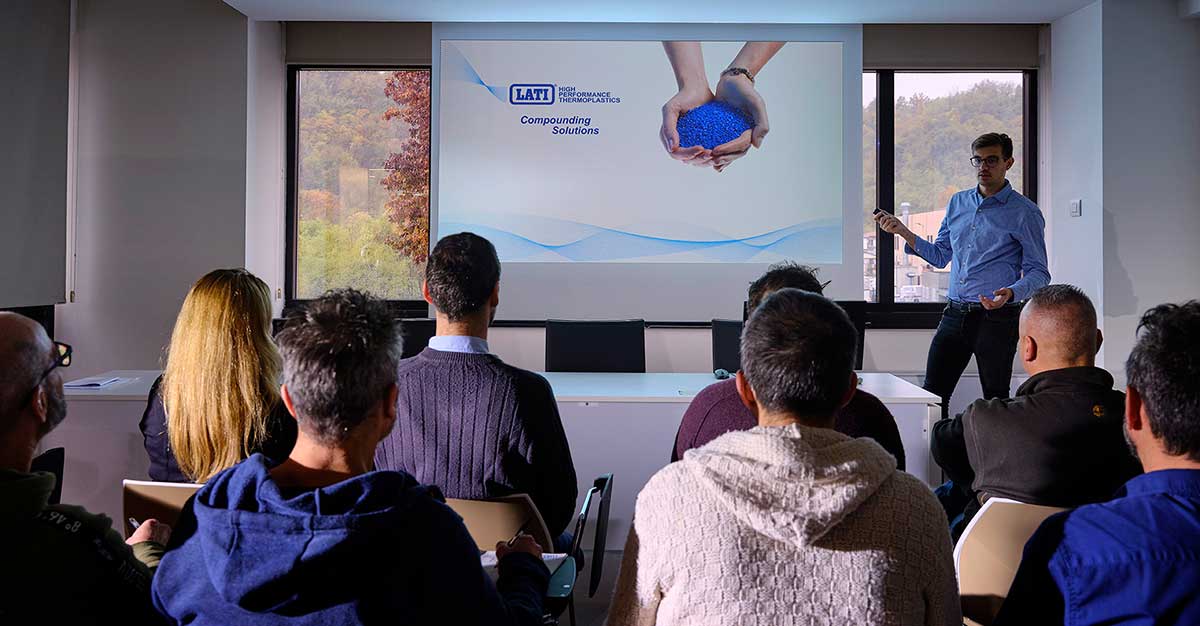
LATI 培训室培训
结构, 网络研讨会
结构, 网络研讨会byadmin26 5 月, 202110 12 月, 2025

网络研讨会 – 金属替代。结构复合材料:机遇、局限性与设计

网络研讨会:用结构复合材料替代金属

Read More
网络研讨会
网络研讨会byadmin12 5 月, 202110 12 月, 2025

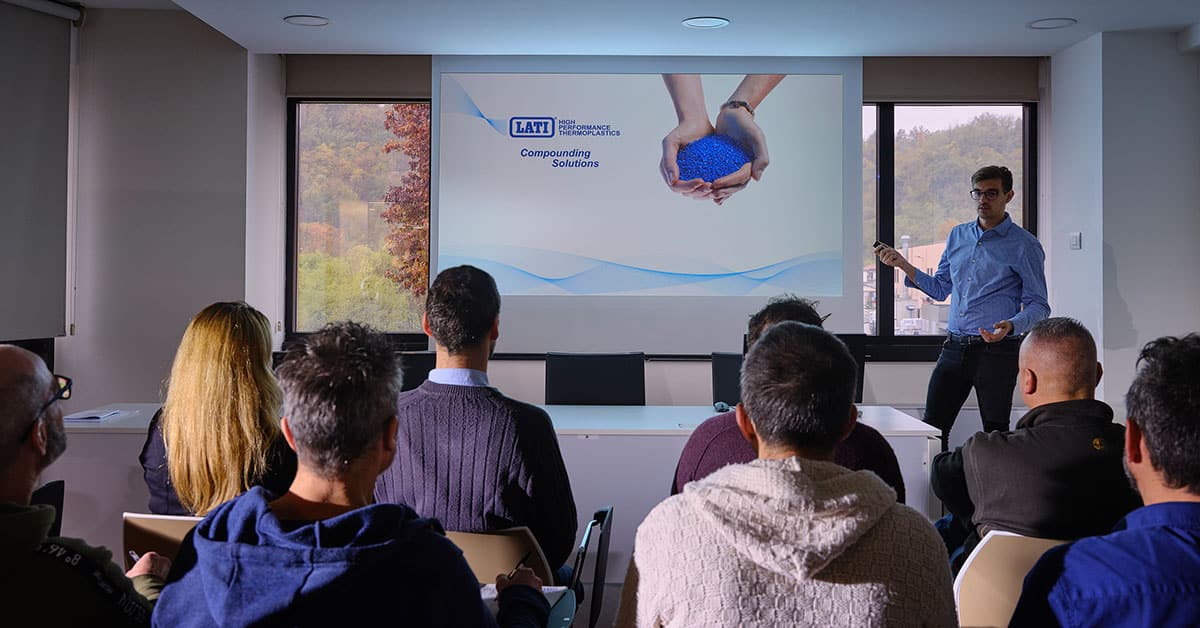
LATI 网络研讨会 – 主要热塑性聚合物

了解主要的热塑性聚合物、其性能以及材料选择过程。 注册参加网络研讨会!

Read More
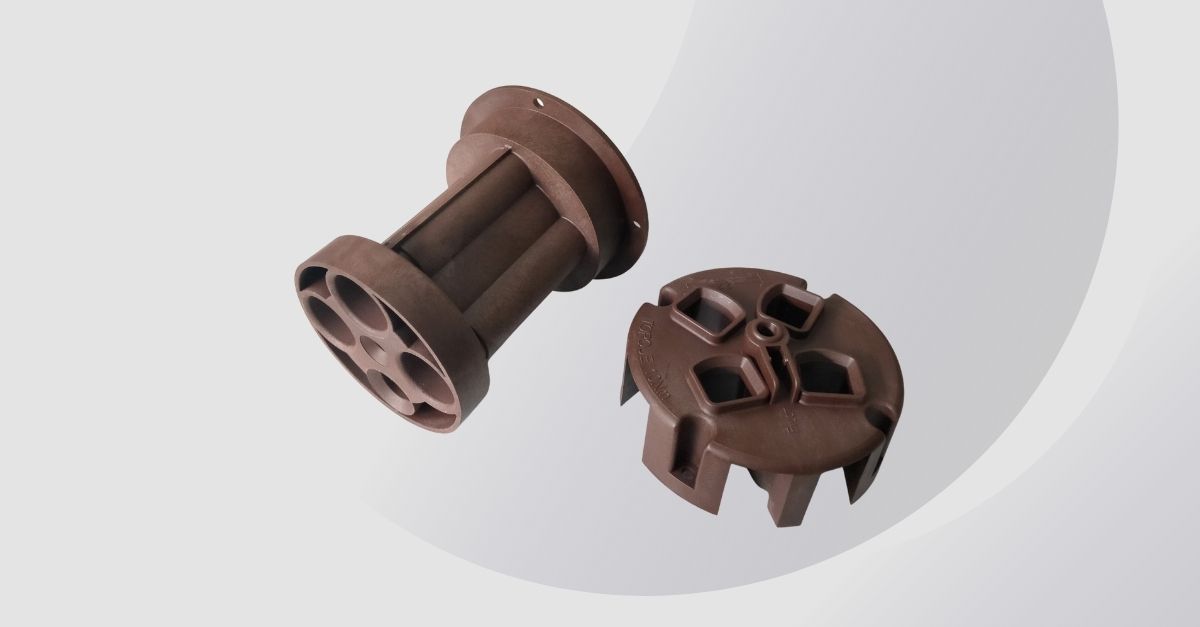
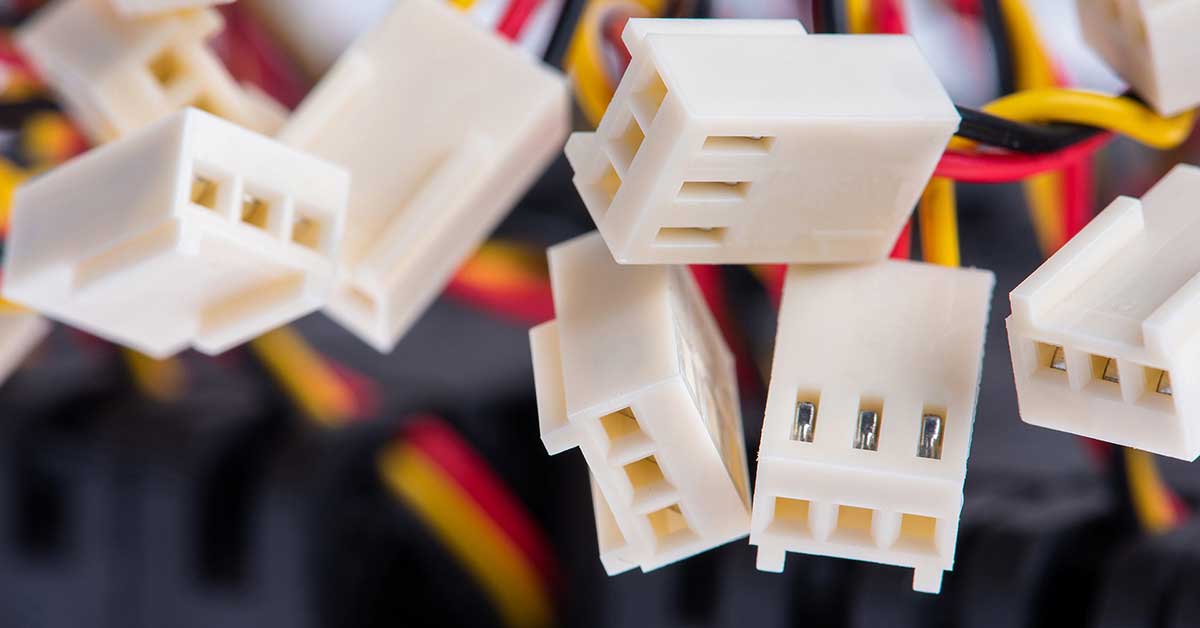
采用 LATI 高温复合材料制造的 SCAME 触点支架,旨在确保工业应用中的电气安全和热稳定性。
汽车和运输, 电气与电子, 高温
汽车和运输, 电气与电子, 高温byadmin22 4 月, 202110 12 月, 2025

LATI 高温复合材料:SCAME 触点支架

在高温应用中,必须优先选择高性能材料,例如 LATI 基于芳香族聚酰胺的 LARAMID G/30-V0HF1。阅读 SCAME 案例研究!

Read More
网络研讨会
网络研讨会byadmin21 4 月, 202110 12 月, 2025

网络研讨会 – 复合材料的机械性能。填料、增强材料、添加剂

在第一期取得成功并有超过 300 名参与者后,我们继续深入探…
Read More
活动
活动byadmin13 4 月, 202110 12 月, 2025

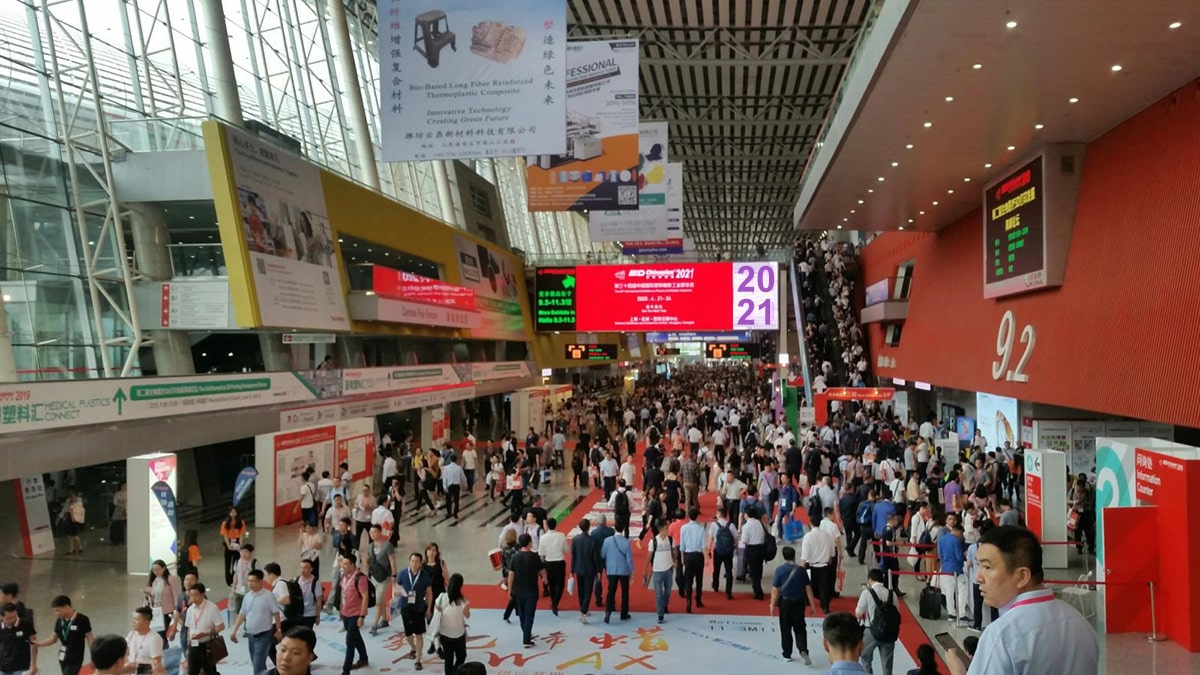
LATI 将参展 2021 国际橡塑展!

LATI 将参展 2021 国际橡塑展!

Read More
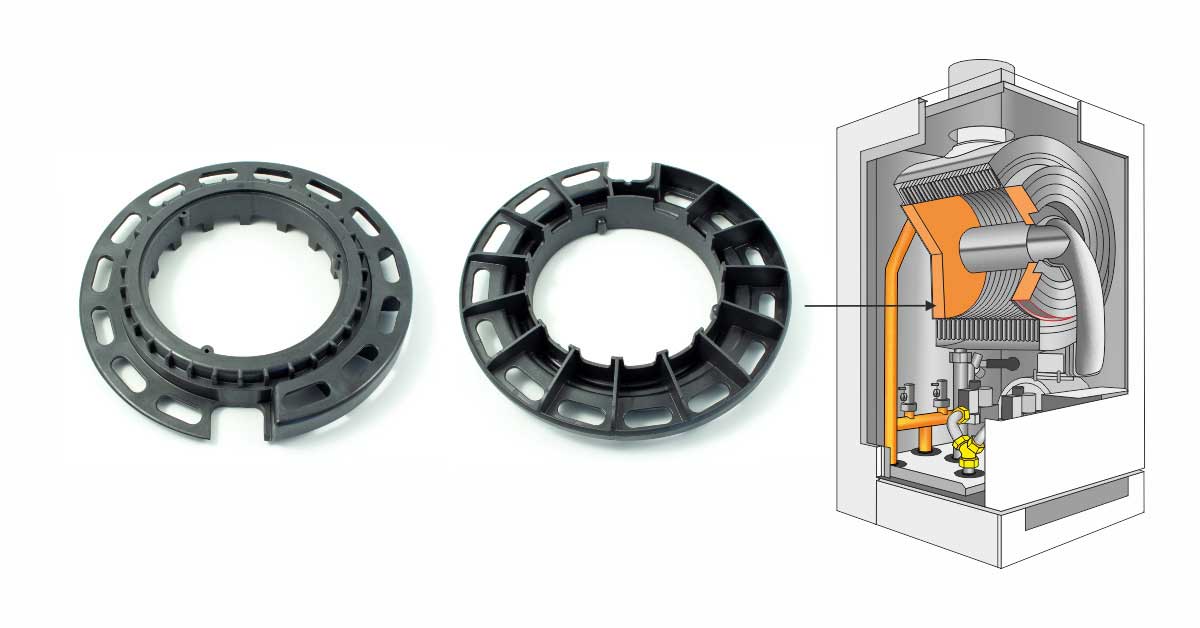
配备由LATI复合材料制成的、耐热、耐压和耐侵蚀性流体部件的冷凝锅炉
工业, 高温
工业, 高温byadmin22 2 月, 202110 12 月, 2025

用于冷凝锅炉的PPS复合材料:高性能和热稳定性

PPS是工业用性能最佳的技术聚合物之一。它能够持续提供卓越的化学惰性和超过200°C的耐温性,非常适合作为工程复合材料的基体。

Read More
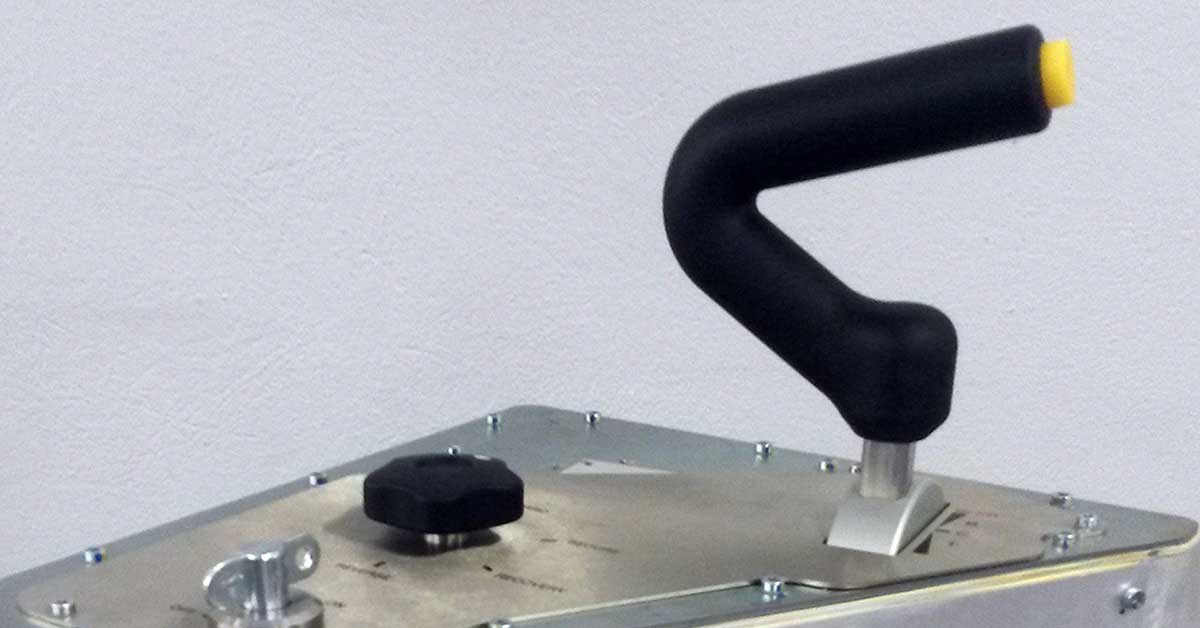
使用 LATI 的 LATAMID 66 H2 G/50 V0HF1 复合材料制造的牵引和制动手柄,这是一种玻璃纤维增强的自熄性材料
汽车和运输, 铁路行业, 阻燃
汽车和运输, 铁路行业, 阻燃byadmin8 2 月, 202110 12 月, 2025

用于铁路应用的自熄性结构复合材料:SPII 的 LATI 使用经验

意大利 SPII S.p.A. 是铁路车辆部件和设备设计制造的领先企业,专门从事铁路和工业应用的控制台和驾驶站。

Read More
LATI自熄复合材料专为确保在0.4毫米减薄厚度下也能保持最大安全性和耐火性而设计
研发, 阻燃
研发, 阻燃byadmin25 1 月, 202110 12 月, 2025

小型化与安全:LATI 复合材料即使在减薄后也能保证性能

小型化是电气和电子领域许多应用领域常见的技术和设计操作

Read More
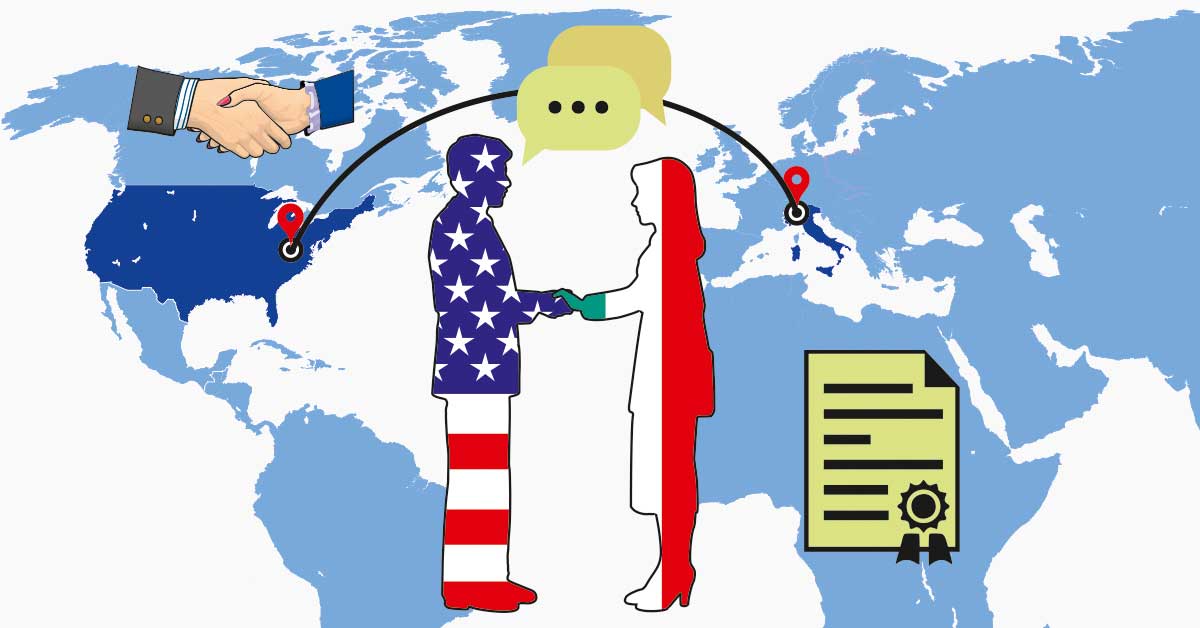
LATI 和 Star Plastics 之间的合作旨在为全球市场开发可持续和高性能技术复合材料
企业成就
企业成就byadmin12 1 月, 202110 12 月, 2025

热塑性复合材料领域的国际合作:LATI 与 Star Plastics 强强联手

LATI Industria Termoplastici S.p.A. 已与美国公司 Star Plastics Inc. 签署协议,该公司总部位于西弗吉尼亚州雷文斯伍德,其目标是协助客户并扩大 LATI 材料在北美的销售网络

Read More
1 … 9 10 11 12 13 … 20
加入我们

探索让我们携手前行的动力

科学、解决方案、可持续发展。

订阅新闻通讯

分类

  • 3D 打印
  • 企业成就
  • 可持续性
  • 可控密度
  • 回收基
  • 增强型
  • 家用电器和消费品
  • 导热性
  • 导电
  • 射线不透
  • 工业
  • 建造与建筑
  • 未分类
  • 汽车和运输
  • 活动
  • 生产
  • 生物基
  • 电气与电子
  • 研发
  • 磁性可探测
  • 结构
  • 网络研讨会
  • 自润滑性
  • 质量、健康、安全与环境
  • 铁路行业
  • 阻燃
  • 食品接触
  • 饮用水
  • 高温
LATI

总部
Via F. Baracca 7, 21040
Vedano Olona (VA), 意大利

使用条款
销售条款和条件

隐私政策


Cookie 政策

快捷方式

  • 我们的身份:利益在我们的基因中
  • 道德准则和举报
  • 系统认证
  • 可持续发展战略
  • LATI 热塑性材料:为每个项目量身定制的创新
  • 我们的服务
  • 每个行业都有其挑战。我们有我们的解决方案。
  • 产品认证
  • 材料数据库

联系 LATI

请求信息
在哪里可以找到 LATI
加入我们

电话 +39 0332 409111
PEC lati@pec.net

关注我们的 LinkedIn
关注我们的 YouTube
订阅我们的新闻通讯

公司名称:LATI 工程热塑性塑料股份公司 | 注册办公地址:Via F. Baracca, 7 – 21040 Vedano Olona (VA),意大利 | 税号和增值税号:00214880122 | SDI:K1L103O | R.E.A.:瓦雷泽编号 41557 | 公司注册资本 € 3.818.400(实收)。

© 版权所有 LATI Spa. 保留所有权利 | 制作方 Weblink

Accessibility
Accessibility modes
Epilepsy Safe Mode
Dampens color and removes blinks
This mode enables people with epilepsy to use the website safely by eliminating the risk of seizures that result from flashing or blinking animations and risky color combinations.
Visually Impaired Mode
Improves website's visuals
This mode adjusts the website for the convenience of users with visual impairments such as Degrading Eyesight, Tunnel Vision, Cataract, Glaucoma, and others.
Cognitive Disability Mode
Helps to focus on specific content
This mode provides different assistive options to help users with cognitive impairments such as Dyslexia, Autism, CVA, and others, to focus on the essential elements of the website more easily.
ADHD Friendly Mode
Reduces distractions and improve focus
This mode helps users with ADHD and Neurodevelopmental disorders to read, browse, and focus on the main website elements more easily while significantly reducing distractions.
Blindness Mode
Allows using the site with your screen-reader
This mode configures the website to be compatible with screen-readers such as JAWS, NVDA, VoiceOver, and TalkBack. A screen-reader is software for blind users that is installed on a computer and smartphone, and websites must be compatible with it.
Online Dictionary
    Readable Experience
    Content Scaling
    Default
    Text Magnifier
    Readable Font
    Dyslexia Friendly
    Highlight Titles
    Highlight Links
    Font Sizing
    Default
    Line Height
    Default
    Letter Spacing
    Default
    Left Aligned
    Center Aligned
    Right Aligned
    Visually Pleasing Experience
    Dark Contrast
    Light Contrast
    Monochrome
    High Contrast
    High Saturation
    Low Saturation
    Adjust Text Colors
    Adjust Title Colors
    Adjust Background Colors
    Easy Orientation
    Mute Sounds
    Hide Images
    Hide Emoji
    Reading Guide
    Stop Animations
    Reading Mask
    Highlight Hover
    Highlight Focus
    Big Dark Cursor
    Big Light Cursor
    Cognitive Reading
    Virtual Keyboard
    Navigation Keys
    Voice Navigation

    LATI

    Dichiarazione di accessibilità

    • lati.com
    • 3 2 月, 2026

    Stato di conformità

    Crediamo fermamente che Internet debba essere disponibile e accessibile a chiunque, e ci impegniamo a fornire un sito web accessibile al più ampio pubblico possibile, indipendentemente dalle circostanze e dalle abilità individuali.

    Per raggiungere questo obiettivo, cerchiamo di aderire il più fedelmente possibile alle Linee guida per l'accessibilità dei contenuti Web 2.1 (WCAG 2.1) del World Wide Web Consortium (W3C), a livello AA. Queste linee guida spiegano come rendere i contenuti web accessibili a persone con una vasta gamma di disabilità. Il rispetto di tali linee guida ci aiuta a garantire che il sito sia accessibile a tutti: persone non vedenti, con disabilità motorie, ipovedenti, disabilità cognitive e altro ancora.

    Questo sito utilizza diverse tecnologie pensate per renderlo il più accessibile possibile in ogni momento. Usiamo un’interfaccia di accessibilità che consente agli utenti con specifiche disabilità di adattare l’interfaccia utente (UI) del sito alle proprie esigenze personali.

    Inoltre, il sito utilizza un'applicazione basata sull’intelligenza artificiale che opera in background e ottimizza costantemente il livello di accessibilità. Questa applicazione corregge l’HTML del sito, adatta le sue funzionalità e comportamenti per i lettori di schermo utilizzati da utenti non vedenti, e per le funzioni da tastiera utilizzate da persone con disabilità motorie.

    Se hai riscontrato un malfunzionamento o hai suggerimenti per migliorare, saremo felici di ascoltarti. Puoi contattare i responsabili del sito scrivendo a info@lati.com

    Lettori di schermo e navigazione da tastiera

    Il nostro sito implementa gli attributi ARIA (Accessible Rich Internet Applications), insieme a varie modifiche comportamentali, per garantire che gli utenti non vedenti che utilizzano lettori di schermo possano leggere, comprendere e utilizzare le funzioni del sito. Appena un utente con lettore di schermo entra nel sito, riceve immediatamente un messaggio per attivare il Profilo Lettore di Schermo e navigare efficacemente. Ecco come copriamo i requisiti principali dei lettori di schermo, con esempi di codice tramite console:

    1. Ottimizzazione per lettori di schermo: eseguiamo un processo in background che analizza il sito per garantire la conformità continua anche dopo aggiornamenti. Forniamo dati significativi ai lettori di schermo tramite attributi ARIA, come etichette precise per i moduli, descrizioni per le icone (social, ricerca, carrello), indicazioni per la validazione, ruoli per bottoni, menu, finestre modali ecc. Il processo analizza anche le immagini del sito per generare descrizioni ALT accurate usando il riconoscimento oggetti e l’OCR. Per attivare le regolazioni per lettori di schermo, basta premere Alt+1. L’attivazione è automatica all’accesso per gli utenti con screen reader.

      Compatibile con i principali lettori di schermo, inclusi JAWS e NVDA.

    2. Ottimizzazione per la navigazione da tastiera: il processo in background modifica l’HTML del sito e aggiunge comportamenti JavaScript per la navigazione da tastiera. Include l’uso dei tasti Tab e Shift+Tab per spostarsi, frecce per aprire/chiudere menu, Enter per selezionare, Esc per chiudere pop-up, e Space o Enter per selezionare opzioni radio e checkbox. Menu di navigazione rapida sono disponibili tramite Alt+1 o come primi elementi del sito per la tastiera. Il focus viene spostato sui popup all’apertura, evitando che venga perso.

      Sono supportate scorciatoie come “M” (menu), “H” (intestazioni), “F” (form), “B” (bottoni), e “G” (immagini).

    Profili di disabilità supportati dal nostro sito

    • Modalità Sicura Epilessia: elimina il rischio di crisi causate da animazioni lampeggianti o combinazioni di colori rischiose.
    • Modalità Ipovedenti: adatta il sito per utenti con problemi visivi come degenerazione, visione a tunnel, cataratta, glaucoma e simili.
    • Modalità Disabilità Cognitive: offre strumenti assistivi per aiutare utenti con dislessia, autismo, ictus, ecc. a concentrarsi sugli elementi essenziali.
    • Modalità Amichevole per ADHD: aiuta utenti con ADHD o disturbi neuroevolutivi a leggere e navigare più facilmente, riducendo le distrazioni.
    • Modalità Non Vedenti: configura il sito per la compatibilità con screen reader come JAWS, NVDA, VoiceOver, e TalkBack.
    • Profilo Navigazione da Tastiera (Disabilità Motorie): consente l’utilizzo del sito tramite Tab, Shift+Tab ed Enter. Include scorciatoie “M”, “H”, “F”, “B”, “G”.

    Regolazioni aggiuntive dell’interfaccia, design e leggibilità

    1. Regolazione del font – possibilità di aumentare/diminuire dimensione, cambiare carattere, regolare spaziatura, allineamento, altezza riga e altro.
    2. Regolazione colori – scelta tra vari profili di contrasto (chiaro, scuro, invertito, monocromatico) e personalizzazione di testi e sfondi con oltre 7 combinazioni.
    3. Animazioni – possibilità di disattivare tutte le animazioni (video, GIF, transizioni CSS) con un click, utile per chi soffre di epilessia.
    4. Evidenziazione contenuti – enfasi su link e titoli, oppure solo su elementi attivi o in hover.
    5. Disattivazione audio – disattiva rapidamente tutto l’audio del sito, utile per chi usa apparecchi acustici.
    6. Disabilità cognitive – motore di ricerca collegato a Wikipedia e Wiktionary per spiegazioni di sigle, slang, frasi.
    7. Funzioni aggiuntive – modifica colore e dimensione del cursore, modalità stampa, tastiera virtuale e altro.

    Compatibilità con browser e tecnologie assistive

    Puntiamo a supportare il maggior numero possibile di browser e tecnologie assistive, per offrire agli utenti la massima libertà di scelta. Il nostro sito è compatibile con tutti i principali browser e screen reader che rappresentano oltre il 95% del mercato: Google Chrome, Mozilla Firefox, Apple Safari, Opera, Microsoft Edge, JAWS e NVDA.

    Note, commenti e feedback

    Nonostante i nostri sforzi per rendere il sito completamente accessibile, potrebbero esserci pagine o sezioni non ancora totalmente conformi, in fase di aggiornamento, o per le quali non esiste ancora una soluzione tecnologica adeguata. Tuttavia, continuiamo a migliorare e aggiornare le funzionalità di accessibilità, sviluppando e adottando nuove tecnologie per raggiungere un livello ottimale. Per assistenza, contattaci all’indirizzo info@lati.com

    Accessibility Statement

    • lati.com
    • 3 2 月, 2026

    Compliance status

    We firmly believe that the internet should be available and accessible to anyone, and are committed to providing a website that is accessible to the widest possible audience, regardless of circumstance and ability.

    To fulfill this, we aim to adhere as strictly as possible to the World Wide Web Consortium’s (W3C) Web Content Accessibility Guidelines 2.1 (WCAG 2.1) at the AA level. These guidelines explain how to make web content accessible to people with a wide array of disabilities. Complying with those guidelines helps us ensure that the website is accessible to all people: blind people, people with motor impairments, visual impairment, cognitive disabilities, and more.

    This website utilizes various technologies that are meant to make it as accessible as possible at all times. We utilize an accessibility interface that allows persons with specific disabilities to adjust the website’s UI (user interface) and design it to their personal needs.

    Additionally, the website utilizes an AI-based application that runs in the background and optimizes its accessibility level constantly. This application remediates the website’s HTML, adapts Its functionality and behavior for screen-readers used by the blind users, and for keyboard functions used by individuals with motor impairments.

    If you’ve found a malfunction or have ideas for improvement, we’ll be happy to hear from you. You can reach out to the website’s operators by using the following email info@lati.com

    Screen-reader and keyboard navigation

    Our website implements the ARIA attributes (Accessible Rich Internet Applications) technique, alongside various different behavioral changes, to ensure blind users visiting with screen-readers are able to read, comprehend, and enjoy the website’s functions. As soon as a user with a screen-reader enters your site, they immediately receive a prompt to enter the Screen-Reader Profile so they can browse and operate your site effectively. Here’s how our website covers some of the most important screen-reader requirements, alongside console screenshots of code examples:

    1. Screen-reader optimization: we run a background process that learns the website’s components from top to bottom, to ensure ongoing compliance even when updating the website. In this process, we provide screen-readers with meaningful data using the ARIA set of attributes. For example, we provide accurate form labels; descriptions for actionable icons (social media icons, search icons, cart icons, etc.); validation guidance for form inputs; element roles such as buttons, menus, modal dialogues (popups), and others. Additionally, the background process scans all the website’s images and provides an accurate and meaningful image-object-recognition-based description as an ALT (alternate text) tag for images that are not described. It will also extract texts that are embedded within the image, using an OCR (optical character recognition) technology. To turn on screen-reader adjustments at any time, users need only to press the Alt+1 keyboard combination. Screen-reader users also get automatic announcements to turn the Screen-reader mode on as soon as they enter the website.

      These adjustments are compatible with all popular screen readers, including JAWS and NVDA.

    2. Keyboard navigation optimization: The background process also adjusts the website’s HTML, and adds various behaviors using JavaScript code to make the website operable by the keyboard. This includes the ability to navigate the website using the Tab and Shift+Tab keys, operate dropdowns with the arrow keys, close them with Esc, trigger buttons and links using the Enter key, navigate between radio and checkbox elements using the arrow keys, and fill them in with the Spacebar or Enter key.Additionally, keyboard users will find quick-navigation and content-skip menus, available at any time by clicking Alt+1, or as the first elements of the site while navigating with the keyboard. The background process also handles triggered popups by moving the keyboard focus towards them as soon as they appear, and not allow the focus drift outside it.

      Users can also use shortcuts such as “M” (menus), “H” (headings), “F” (forms), “B” (buttons), and “G” (graphics) to jump to specific elements.

    Disability profiles supported in our website

    • Epilepsy Safe Mode: this profile enables people with epilepsy to use the website safely by eliminating the risk of seizures that result from flashing or blinking animations and risky color combinations.
    • Visually Impaired Mode: this mode adjusts the website for the convenience of users with visual impairments such as Degrading Eyesight, Tunnel Vision, Cataract, Glaucoma, and others.
    • Cognitive Disability Mode: this mode provides different assistive options to help users with cognitive impairments such as Dyslexia, Autism, CVA, and others, to focus on the essential elements of the website more easily.
    • ADHD Friendly Mode: this mode helps users with ADHD and Neurodevelopmental disorders to read, browse, and focus on the main website elements more easily while significantly reducing distractions.
    • Blindness Mode: this mode configures the website to be compatible with screen-readers such as JAWS, NVDA, VoiceOver, and TalkBack. A screen-reader is software for blind users that is installed on a computer and smartphone, and websites must be compatible with it.
    • Keyboard Navigation Profile (Motor-Impaired): this profile enables motor-impaired persons to operate the website using the keyboard Tab, Shift+Tab, and the Enter keys. Users can also use shortcuts such as “M” (menus), “H” (headings), “F” (forms), “B” (buttons), and “G” (graphics) to jump to specific elements.

    Additional UI, design, and readability adjustments

    1. Font adjustments – users, can increase and decrease its size, change its family (type), adjust the spacing, alignment, line height, and more.
    2. Color adjustments – users can select various color contrast profiles such as light, dark, inverted, and monochrome. Additionally, users can swap color schemes of titles, texts, and backgrounds, with over seven different coloring options.
    3. Animations – person with epilepsy can stop all running animations with the click of a button. Animations controlled by the interface include videos, GIFs, and CSS flashing transitions.
    4. Content highlighting – users can choose to emphasize important elements such as links and titles. They can also choose to highlight focused or hovered elements only.
    5. Audio muting – users with hearing devices may experience headaches or other issues due to automatic audio playing. This option lets users mute the entire website instantly.
    6. Cognitive disorders – we utilize a search engine that is linked to Wikipedia and Wiktionary, allowing people with cognitive disorders to decipher meanings of phrases, initials, slang, and others.
    7. Additional functions – we provide users the option to change cursor color and size, use a printing mode, enable a virtual keyboard, and many other functions.

    Browser and assistive technology compatibility

    We aim to support the widest array of browsers and assistive technologies as possible, so our users can choose the best fitting tools for them, with as few limitations as possible. Therefore, we have worked very hard to be able to support all major systems that comprise over 95% of the user market share including Google Chrome, Mozilla Firefox, Apple Safari, Opera and Microsoft Edge, JAWS and NVDA (screen readers).

    Notes, comments, and feedback

    Despite our very best efforts to allow anybody to adjust the website to their needs. There may still be pages or sections that are not fully accessible, are in the process of becoming accessible, or are lacking an adequate technological solution to make them accessible. Still, we are continually improving our accessibility, adding, updating and improving its options and features, and developing and adopting new technologies. All this is meant to reach the optimal level of accessibility, following technological advancements. For any assistance, please reach out to info@lati.com